3100 App — Access Sports Betting and Casino Games from Any Mobile Browser in the Philippines

The 3100 App gives Filipino players a fast, mobile-optimised way to bet on sports, play casino-style games, and manage their account — all from a smartphone browser without needing to download anything from the App Store or Google Play. Add a home screen shortcut in seconds and get one-tap access to everything on 3100, from PBA basketball lines to live dealer tables, processed in Philippine pesos.

No Download Needed Sports Betting Casino Games PHP Payments Works in PH
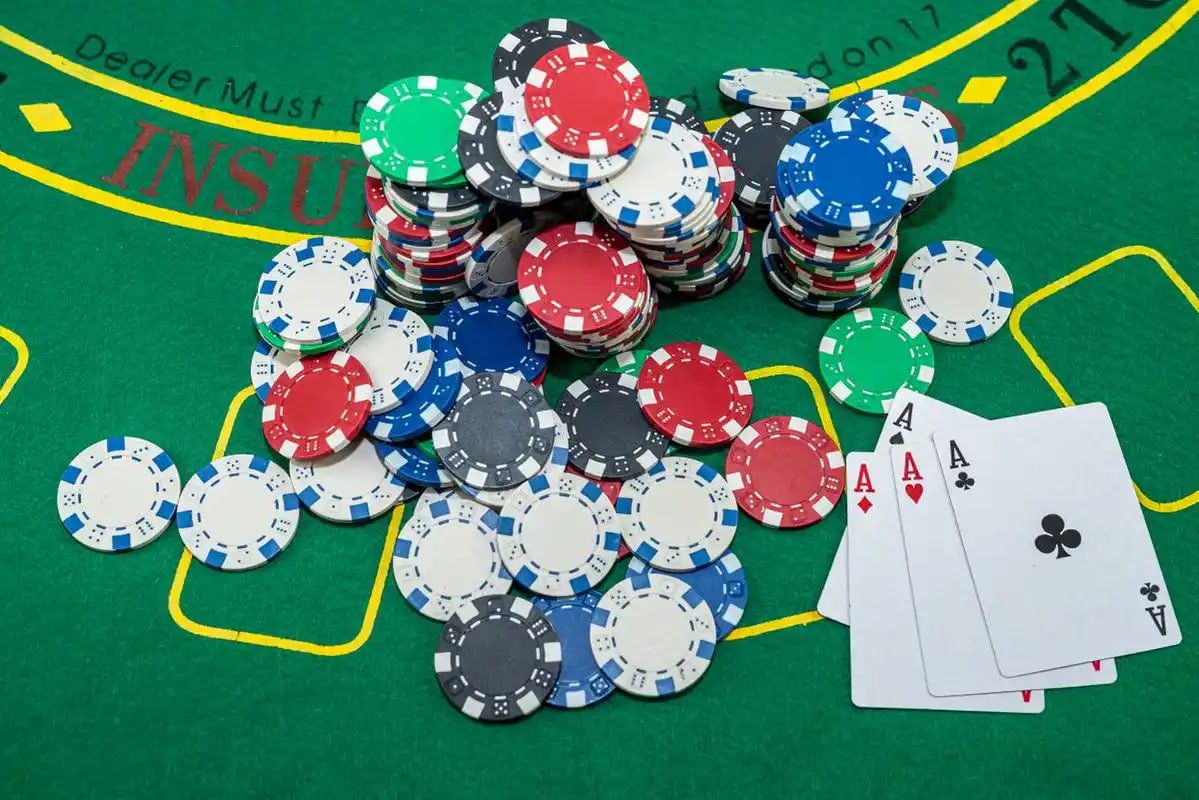
Filipino player using the 3100 mobile app on a smartphone browser
Mobile Browser Ready Home Screen Shortcut PBA & NBA Betting Football Fixtures Live Casino Tables GCash & Maya Secure Platform Rewards & Promos Pre-Match Analysis Mobile Browser Ready Home Screen Shortcut PBA & NBA Betting Football Fixtures Live Casino Tables GCash & Maya Secure Platform Rewards & Promos Pre-Match Analysis

What Is the 3100 App and How Does It Work?

The 3100 App is a mobile-optimised web application that lets Filipino players access the full 3100 platform — sports betting, casino-style games, live dealer tables, and account management — directly from a smartphone or tablet browser without installing anything. Instead of going through an app store, you simply visit the 3100 site on your mobile browser, then add it as a shortcut to your home screen for instant one-tap access whenever you want to place a bet or check your balance. The app experience covers Android and iOS devices equally well, loading quickly even on standard mobile data connections common across the Philippines. Everything you can do on desktop — check sports events, browse the Bet section, claim rewards — is fully available on mobile. There is no separate download, no version mismatch, and no waiting for app store approval to get the latest features.

Everything in Your Pocket, Ready in One Tap

From sports lines to live casino tables, here is what the 3100 mobile experience covers for Filipino players.

No Download, No Fuss

The 3100 App runs entirely inside your mobile browser — no App Store, no Google Play, no storage space required on your device. This means you are always on the latest version of the platform without waiting for updates to install. Just open your browser, navigate to 3100, and you are ready to go. For Filipino players on tight data plans, a browser-based app also tends to use less background data than a native app running in the background. If you want a dedicated shortcut, the home screen install takes under ten seconds on both Android and iOS.

Full Sports Betting on Mobile

Every sports betting market available on desktop is accessible from the 3100 mobile app — PBA conference games, NBA regular season and playoffs, English Premier League, La Liga, AFC events, and more. You can browse upcoming fixtures in the Sports Events section, review pre-match data in Analysis, and place your PHP wager all from the same mobile session without switching apps. Live in-play betting is also supported, so you can follow the action and adjust your bets in real time during a PBA or NBA game. The odds display and bet slip are both optimised for one-thumb navigation on standard smartphone screen sizes common in the Philippines.

Casino & Live Dealer Access

Beyond sports, the 3100 mobile app gives you full access to casino-style slots, table games, and live dealer rooms — all running smoothly on mobile browsers with no lag or layout issues. Live dealer baccarat, roulette, and blackjack tables stream cleanly on a good LTE or Wi-Fi connection, and the table controls are touch-friendly so you can place chips and make decisions quickly. Slot games load without any plugin or Flash requirement since they are built on modern HTML5 technology. Filipino players who enjoy both sports wagering and casino entertainment can switch between sections instantly from the same 3100 account without logging out or changing apps.

PHP Deposits & Withdrawals

All deposits and withdrawals on the 3100 mobile app are processed in Philippine pesos, with support for GCash, Maya, and local bank transfers — the payment methods most Filipino players already use daily. The deposit flow is built to work smoothly on mobile, so you can top up your balance in a few taps without being redirected to a cluttered desktop-style payment page. Withdrawal requests follow the same streamlined process, and limits and processing times are clearly displayed inside your account. There are no currency conversion fees since your account operates entirely in PHP from the moment you register through to every payout.

Step-by-step guide showing how to add 3100 to a phone home screen in the Philippines

Add 3100 to Your Home Screen in Three Steps

1
Open 3100 in Your Mobile Browser

On your Android or iOS device, open Chrome, Safari, or your preferred browser and navigate to 3100. The site loads as a full mobile-optimised experience — no prompts, no pop-ups asking you to download a separate file. If you already have an account, you can log in right here and go straight to betting. New players can tap the Register link at the top to create a free account in under two minutes using just a mobile number and a preferred PHP payment method.

2
Tap "Add to Home Screen"

On Android with Chrome, tap the three-dot menu at the top right and select "Add to Home screen." On iOS with Safari, tap the Share icon at the bottom of the screen and choose "Add to Home Screen." Both options create a dedicated 3100 icon on your device's home screen that launches the platform in a full-screen view without the browser address bar, giving it the look and feel of a native app. The whole process takes under ten seconds and does not require any permissions beyond what your browser already has.

3
Tap the Icon and Start Betting

From this point on, a single tap on your 3100 home screen icon takes you directly into the platform — logged in, ready to browse sports fixtures, check your balance, or jump into a live casino table. No browser navigation needed, no typing URLs. If you ever clear your browser data or switch devices, simply repeat the add-to-home-screen step; your account and balance are stored on the 3100 servers, not your device, so nothing is lost. Head to the FAQ if you run into any setup questions.

3100 Mobile App — Feature Overview

Feature Available on Mobile Notes
Sports Betting Yes PBA, NBA, EPL, La Liga, AFC and more
Live In-Play Betting Yes Real-time odds on selected fixtures
Casino & Slots Yes HTML5 games, no plugins required
Live Dealer Tables Yes Baccarat, roulette, blackjack
GCash / Maya Deposits Yes All transactions in PHP
Home Screen Shortcut Yes Android & iOS, no app store needed
Bet

Once your home screen shortcut is set up, the Bet section is your main destination for sports markets and casino games. Browse live odds, choose your stake in PHP, and confirm your wager — all optimised for one-handed mobile use so the experience is smooth whether you are at home in Quezon City or on a commute in Cebu.

Rewards

The Rewards section lists current promotions, cashback offers, and event-tied bonuses available to 3100 members. Mobile players can claim and track rewards from the same browser session without needing a desktop — check what is active before you place your next sports bet or spin a featured slot game on the 3100 app.

FAQ

If you have questions about how to install the shortcut, which browsers work best, or how deposits work on mobile, the FAQ page has clear answers written specifically for Filipino players. It covers the most common setup questions for both Android and iOS and explains payment options available in the Philippines.

3100 App FAQ for Filipino Players

These are the questions Filipino players ask most often about using 3100 on mobile.

No — there is no APK file to download, no App Store installation, and no Google Play listing to find. The 3100 App is a browser-based progressive web experience, which means it runs directly inside Chrome, Safari, or any modern mobile browser on your Android or iOS device. You simply navigate to the 3100 website from your phone and the full platform loads instantly, optimised for your screen size. If you want a dedicated icon on your home screen for one-tap access, you can add one through your browser's "Add to Home Screen" option — the process takes under ten seconds and requires no permissions or file downloads of any kind. This approach also means you are always automatically on the latest version of the platform without needing to check for app updates.

The 3100 App is tested and optimised for Google Chrome on Android and Safari on iOS, which are the two most widely used mobile browsers among Filipino smartphone users. Other modern browsers including Samsung Internet, Firefox for Android, and Microsoft Edge also work well with the platform. Older browsers that do not support modern HTML5 standards may have display issues with certain game types, so keeping your browser updated to its latest version is recommended. For the best live casino streaming experience, a stable LTE or Wi-Fi connection gives the smoothest video feed. If you are using a lower-end device or slower mobile data, the sports betting and account sections load quickly even at lower bandwidths, so you can still place bets comfortably during a PBA game without video-quality concerns.

Yes — all transactions on the 3100 App are handled in Philippine pesos (PHP) with no currency conversion involved. The deposit page is fully mobile-optimised and supports GCash, Maya, and local Philippine bank transfers, all of which are common payment methods for Filipino players. To deposit, log into your 3100 account on mobile, navigate to the cashier or deposit section, choose your preferred payment method, enter your amount in PHP, and follow the on-screen confirmation steps. Withdrawals follow a similarly straightforward process from within the same mobile session. Minimum deposit and withdrawal amounts, along with processing time estimates, are displayed clearly inside your account dashboard so there are no surprises. If you have any issues with a transaction, the FAQ page has a dedicated payments section with step-by-step guidance.

Yes — the 3100 App works on both Android smartphones and iPhones, as well as tablets running either operating system. Because it is browser-based rather than a native app, it is not limited by the policies of the Google Play Store or Apple App Store, and it works consistently across device brands including Samsung, Realme, OPPO, Vivo, Xiaomi, and Apple devices popular among Filipino users. The layout adapts responsively to different screen sizes, so whether you are on a small 5-inch budget Android phone or a larger iPhone Pro Max, the interface scales cleanly without horizontal scrolling or cut-off text. Android users can add the home screen shortcut through Chrome's menu, while iPhone users do so through Safari's share sheet — both result in a full-screen icon that behaves like a native app shortcut.

No — deleting the home screen shortcut does not delete your 3100 account or any of your balance, bet history, or personal information. The shortcut is simply a browser bookmark displayed as an icon on your home screen; your actual account data is stored securely on the 3100 servers and is tied to your registered login credentials, not your device. If you delete the shortcut, switch phones, or clear your browser data, you can simply visit 3100 again from any browser, log in with your username and password, and your full account is restored exactly as you left it. You can then re-add the home screen shortcut on your new device in the same way as before. For account security questions or if you ever need to recover access, visit the FAQ for guidance on the account recovery process available to Philippine players.

Ready to Bet from Your Phone?

Create your free 3100 account today, add the home screen shortcut, and get instant mobile access to sports betting, casino games, live dealer tables, and PHP payment options — all built for Filipino players and ready in under two minutes.